n8n Google Maps Lead Generation Template: Import and Run

There is a version of this job that does not involve building anything. The workflow already exists, it is published in the n8n template library, and it runs after two credentials and one form.
This is the fast path. If you would rather understand every node and build it yourself, the polling workflow guide walks through the same pipeline node by node, and the AI agent guide covers the version where a model picks the search. This article is for getting a real list into a real spreadsheet today.
What the template does
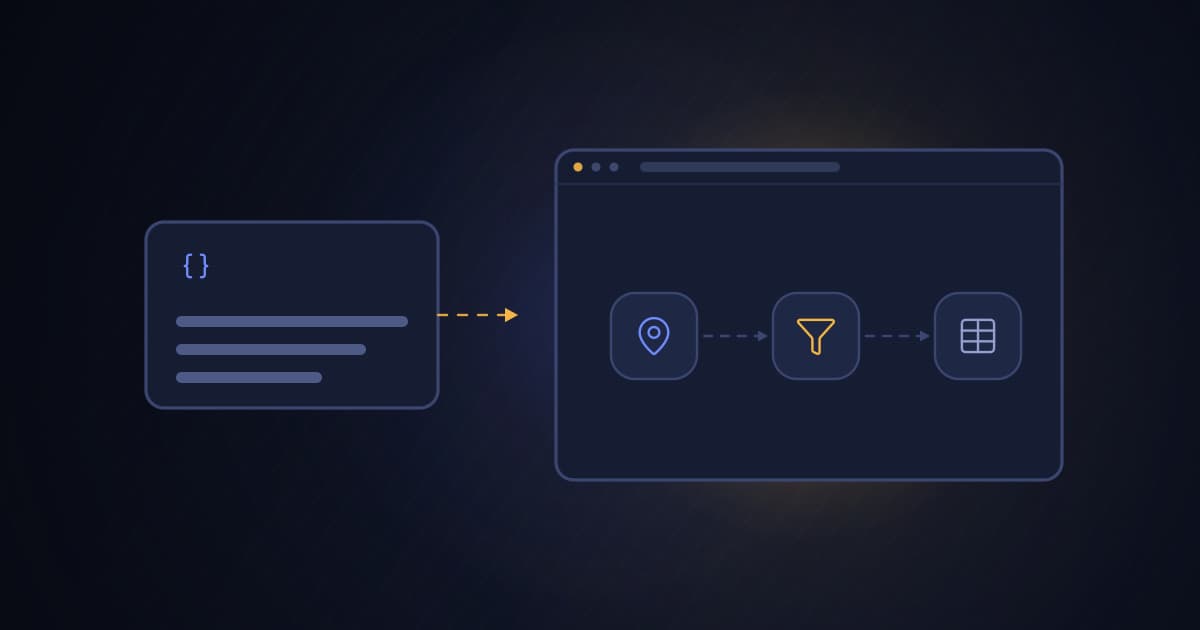
Find local businesses without websites from Google Maps with BasedOnBusiness and Google Sheets is eighteen nodes in the shape below.
Form              category, city, country code, number of leads
  |
Validate          reject bad input before any credit is spent
  |
Start search      POST to the BasedOnB API
  |
Check status  --- done? --- no --> Wait 15s --> check again
  |
 yes
  |
Fetch leads       up to 500 rows per page
  |
Split Out         one item per business
  |
Filter            keep only rows with no website
  |
Rename fields     plus a direct Google Maps link
  |
Google Sheets     append
The useful part is the Filter node. A business with no website on its Google Maps profile is the classic prospect for web design, local SEO and marketing agencies, and it is a signal you cannot buy from a generic contact database because it goes stale the moment the business builds a site.
Import it
Open the template on n8n.io and use the import button, which drops the whole canvas into your instance. If you prefer to move it by hand, copy the JSON from the template page, open an empty workflow, and paste onto the canvas. Both routes give you the same eighteen nodes with the credentials left empty.
The template contains no keys. That is deliberate, and it is worth checking in anything you import from a public library.
Two credentials
BasedOnB. In n8n, create a Header Auth credential that sends Authorization with the value Bearer followed by your API key. Create the key in the dashboard under API and Webhooks, and give it the scrape read and write scopes only. Select that credential on all three HTTP Request nodes.
Google Sheets. Connect your Google account with the standard n8n OAuth flow, then open the Save Leads node and pick a spreadsheet and a sheet. The node uses automatic column mapping, so create the sheet with a header row that matches the column names in the table below, or let the first run write into an empty sheet and fix the header afterwards.
Nothing else needs configuring.
Run it
Open the form URL from the Form trigger. Four fields:
| Field | Example | Notes |
|---|---|---|
| Business category | dentist | One category per run |
| City | Manchester | Plain name, spelled as Google Maps spells it |
| Country code | GB | Two-letter ISO code, not the country name |
| Number of leads | 25 | Between 1 and 500. This is what you pay. |
The validation node rejects a three-letter country code, an empty category and a lead count outside the range, and it does so before the search starts, so a typo costs nothing.
A run takes as long as the search takes. The Wait node checks every 15 seconds rather than holding a connection open.
What lands in the sheet
| Column | Source |
|---|---|
| Business Name | Maps listing title |
| Phone | Listed phone number |
| Address | Listed address |
| Category | Maps category label |
| Rating | Average star rating |
| Reviews | Review count |
| Google Maps URL | Built from the listing ID, opens the exact business |
| City | Echoed from the form |
| Country | Echoed from the form |
There is no email column, and that is not an omission. Google Maps listings have no email field, so an email can only come from the business website. These are the businesses with no website. Phone is the contact channel here, which is why the phone-first sales playbook pairs with this list better than a cold email sequence does.
The first three things to change
The category label. This matters more than anything else in the form. In our own sample of local listings, the share of businesses with no website swings by more than eight times inside a single industry depending on which label you search: family restaurant sat at 65.7 percent with no website while Italian restaurant sat at 7.9 percent. Search the plain generic label rather than the upmarket one. The no-website prospecting guide has the full category table.
The number of leads. Start at 25 while you are checking the sheet layout, not at 500.
The destination. The Google Sheets node is the easiest thing to swap. Delete it, connect the last Code node to HubSpot, Airtable or an HTTP Request node, and the rest of the workflow is unchanged.
Before you scale it up
Credits are charged when the search starts, based on the number you typed, not on the number of rows that survive the filter. A run asking for 100 leads costs 100 credits even if only 14 of them turn out to have no website. Cancelling a running job does not refund them either.
That single fact decides how you should test. Run 25, look at what came back, adjust the category, then run a real batch. Two other ceilings are worth knowing before you schedule anything: an account can have 2 searches open at once, and all open searches together can target no more than 5,000 leads.
One quirk worth knowing
If you collect leads in a market whose business names use non-ASCII characters, such as Turkish, Greek or Cyrillic, some names can arrive in the sheet with the wrong characters. The API sends the response as UTF-8 and labels it as UTF-8, and the n8n HTTP Request node ignores the label and decodes with a legacy codepage. It is an n8n decoding issue rather than a data issue, and you can confirm that by pulling the same job through the dashboard export or any other HTTP client, where the names are correct.
Latin-alphabet markets are unaffected, so this never appears in a UK or US run. If it appears in yours, export the job from the dashboard for that batch until the node handles the header.
When to stop using the template
The template is deliberately one search, one filter, one destination. Grow past that and you want your own workflow:
- More than one city per run, which needs a loop and duplicate control on the listing ID.
- Writing into a CRM that must not gain duplicate companies, which needs an upsert rather than an append.
- Scheduled runs, which need failure branches and an alert when a job comes back cancelled.
- More than 500 results, which needs cursor pagination.
All four are covered in the polling workflow guide. The template is the shortest path to a first list, not the ceiling.
FAQ
Where do I find the n8n template?
It is published in the n8n template library under the title Find local businesses without websites from Google Maps with BasedOnBusiness and Google Sheets. Open it on n8n.io and use the import button, or copy the JSON and paste it onto an empty canvas in your own instance.
Do I need to write any code to use it?
No. The template ships with its Code nodes already written. You add two credentials, pick a spreadsheet, and fill in a form. The Code nodes only validate the form input and rename fields before the rows reach the sheet.
Does the template work on self-hosted n8n?
Yes. It uses core nodes plus the Google Sheets node, so n8n Cloud and a self-hosted instance behave the same way. A self-hosted instance needs outbound HTTPS access to the API.
How many credits does one run cost?
Exactly the number of leads you type into the form, and they are charged when the search starts. Requesting 25 leads costs 25 credits even if the website filter leaves you with 9 rows. Test with small numbers first.
Why does the sheet have fewer rows than the number I requested?
The template keeps only businesses with no website listed on their Google Maps profile. Every business that already has a site is dropped before the sheet. The gap between the two numbers is the website coverage rate in that category and city, and it varies a lot by category.
Can I send the leads to a CRM instead of Google Sheets?
Yes. Delete the Google Sheets node and connect the last Code node to HubSpot, Pipedrive, Airtable or an HTTP Request node. Everything upstream stays the same. Use a stable key for duplicate control if the workflow will run more than once.
Can I change the filter to something other than missing websites?
Yes. The Filter node reads one field on each result. Point it at rating, reviews_count or category instead, or remove it to keep every row. The results also carry phone, address, social profiles and detected website technology.
Run one small search
Import the template, add the two credentials, and search a category you know well in a city you know well. You will be able to tell immediately whether the list is any good, which is the fastest way to calibrate the category label before spending real volume.
A new BasedOnB account comes with 30 monthly export credits and no card required, which covers one 25-lead test run of the template.